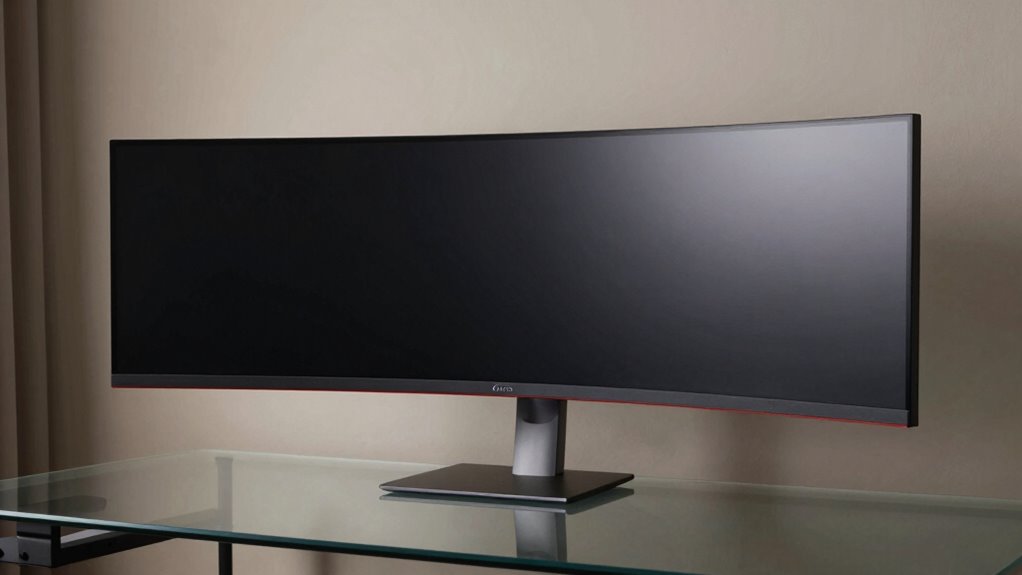
The Dell U3818DW presents a cohesive, well-built 38-inch curved panel with a minimalist silhouette and reinforced joints. Build quality blends metal and solid plastics, delivering sturdy stability and restrained branding. Display performance emphasizes WQHD+ detail, consistent brightness, and uniform gamma, with solid color accuracy and curve uniformity that minimize edge vignetting. Connectivity shines with USB-C power, data, and video plus a built-in KVM. Productivity features bolster multi-device workflows, though large window grids may introduce occasional lag as you optimize layouts; more insights follow.
Design and Build Quality
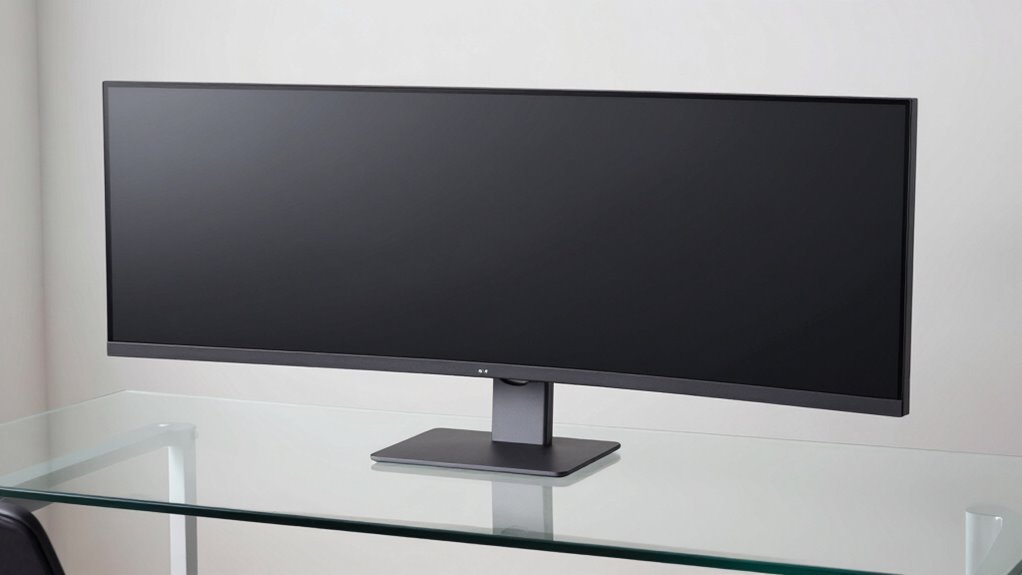
The Dell U3818DW presents a sleek, understated chassis that emphasizes a minimalist silhouette while accommodating a wide 38-inch curved display.
The construction conveys deliberate precision, with uniform panel gaps and a stable, rigid frame that resists flex under typical adjustments.
Materials suggest a balanced blend of metal and solid plastics, chosen for both tactile quality and cost efficiency.
Design aesthetics favor clean lines, restrained branding, and a monochrome palette that aligns with contemporary workspaces.
Build durability appears robust, aided by reinforced joints and a reliable stand mechanism.
Display Performance and Connectivity
Examining the U3818DW reveals a 38-inch curved panel delivering a WQHD+ resolution with crisp detail and consistent brightness across the viewing arc, supported by a wide color gamut and uniform gamma performance. The display demonstrates solid color accuracy, delivering faithful hues with minimal calibration, though some saturation adjustments may be preferred for cinema content. Curve uniformity remains strong, minimizing perceptible vignetting toward the edges. Connectivity options enable straightforward USB-C integration and a stable multi-device workflow, while the built-in KVM supports efficient keyboard and mouse sharing. Overall, the combination of color fidelity and curve uniformity underpins reliable daily use for work and media.
Usability and Productivity Features
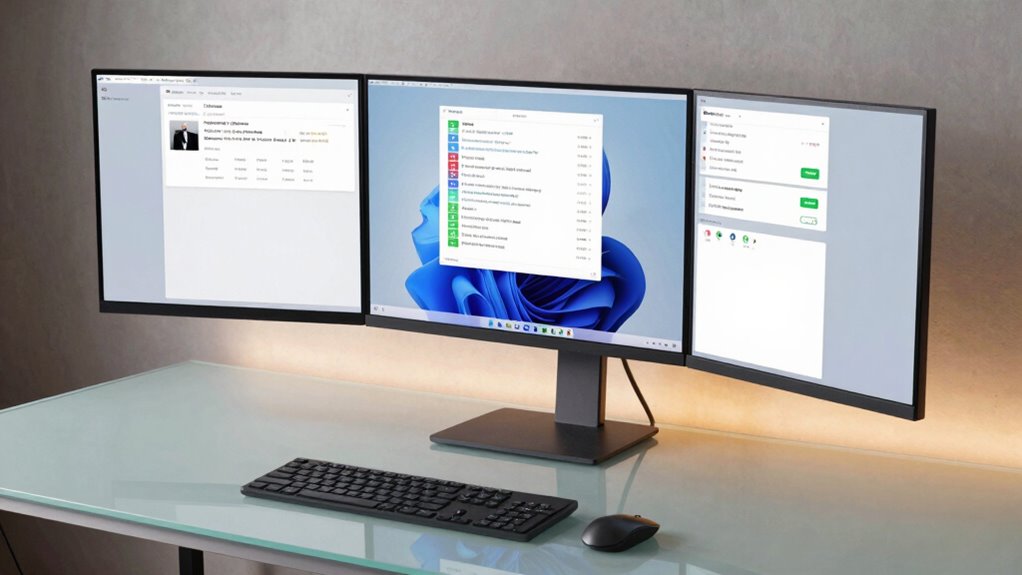
The usability and productivity features of the U3818DW build on its strong display performance by emphasizing workflow efficiency and flexibility. The monitor supports Dell Easy Arrange, enabling rapid on-screen organization of multiple windows to optimize project layouts. Its USB-C connectivity simplifies desk setup, delivering power, video, and data through a single cable, reducing clutter and easing transitions between devices. Users may encounter usability quirks, such as occasional lag when reconfiguring large window grids, but overall responsiveness remains solid for office tasks. Productivity shortcuts, including quick-access menus and keyboard-driven repositioning, help streamline repetitive tasks without sacrificing color accuracy or viewing comfort.
Conclusion
The Dell U3818DW stands out as a thoughtfully engineered ultrawide that prioritizes workflow efficiency and visual reach. Its curved WQHD+ panel, minimalist InfinityEdge design, and USB-C versatility simplify desk setups, while the built-in KVM and Easy Arrange software bolster multi-device productivity. Color accuracy and detail remain strong points for professional tasks. Nominal price‑to‑feature value is favorable for users needing expansive screen real estate, though HDR performance and response times are more modest. Overall, a prudent choice for focused, multi-source work.