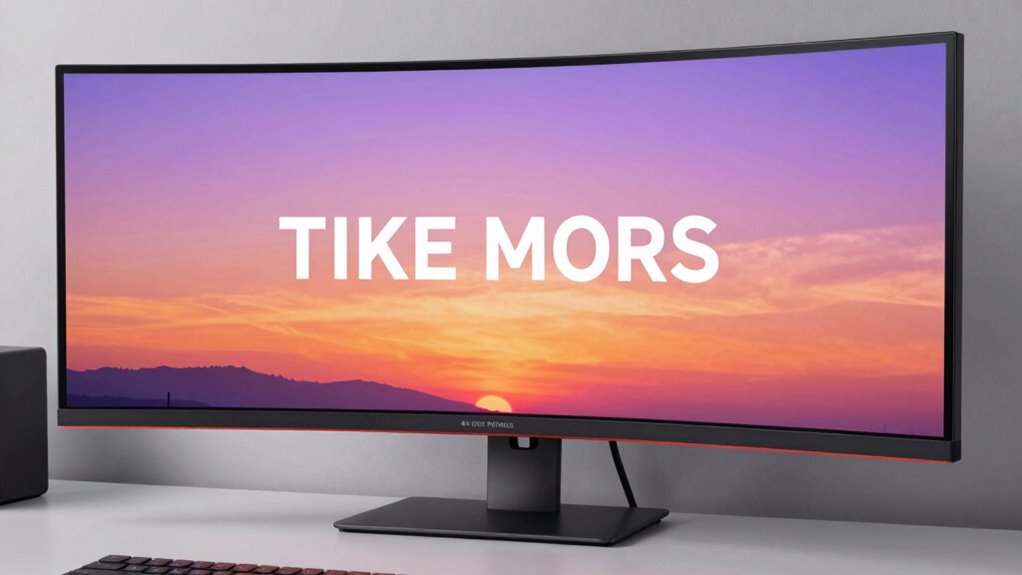
The GIGABYTE M34WQ delivers solid ultrawide performance anchored by a 3440×1440 IPS panel at 144Hz. Build quality is sturdy, with a restrained flex and a practical stand, while the chassis materials resist minor wear. Display performance features solid out-of-the-box color and a wide gamut, though HDR brightness remains modest and dark scenes grayish. Adaptive Sync is generally stable, with occasional frame pacing quirks and minor micro-stutters. Connectivity is robust, including KVM, DP, HDMI, and USB-C; details matter for multi-device setups. For a deeper evaluation, several tradeoffs and real-world tests await.
Design and Build Quality
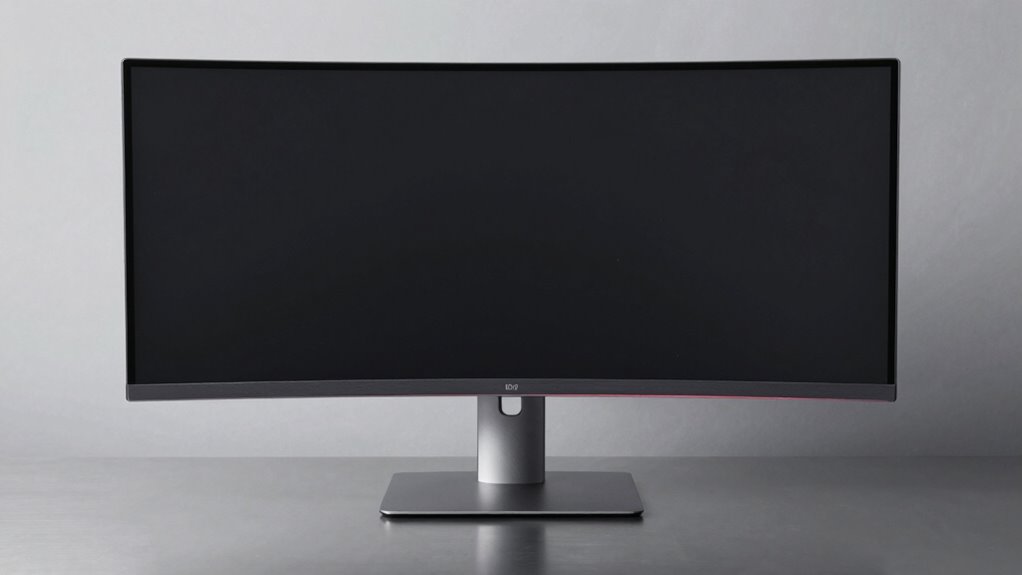
The GIGABYTE M34WQ presents a solid, purpose-built chassis typical of ultrawide gaming monitors, balancing a sturdy stand with a lightweight panel design.
The construction demonstrates design consistency across materials and assembly, yielding predictable behavior under adjustment and use.
The base and arm provide solid support, while the panel itself remains restrained in flex during typical keyboard and mouse activity.
Material durability is evident in the metal–plastic blend, which resists minor scuffs and warping from routine handling.
Display Performance and Visual Quality
Panel performance centers on the balance between resolution, color accuracy, and motion handling. The M34WQ delivers a 3440×1440 IPS panel with 21:9 framing and 144Hz; motion appears smooth, but blur reduction is inconsistent across content. Contrast performance remains modest, with middling deep blacks and a tendency toward gray tones in dark scenes, which diminishes perceived depth. Color accuracy is solid out of the box for gaming and multimedia, aided by HDR400 and a 91% DCI-P3 gamut; however, successor profiles or factory calibration would improve critical grading.
Nvidia/AMD Adaptive Sync and Response Times

Adaptive Sync support on the M34WQ aligns with modern gaming expectations but reveals gaps worth noting. Nvidia/AMD adaptive sync implementation demonstrates stable operation at native 144Hz, yet fluctuations in frame pacing appear during rapid scene changes. The monitor’s timing exhibits consistent adaptive sync timing within typical gaming loads, yet occasional micro-stutters hint at suboptimal coordination between GPU frame output and panel response.
Response time tuning shows modest improvements possible through factory presets, but no dramatic enhancements emerge without compromising color or brightness. Overall, adaptive sync behavior remains usable, with precise timing gains offering incremental, not transformative, performance benefits.
Connectivity, Ergonomics, and Features
GIGABYTE equips the M34WQ with a balanced port set and practical adjustability, aiming to support multi-device setups without sacrificing desk space or workflow. The monitor offers DisplayPort 1.4, HDMI 2.0, USB 3.0, and a USB-C connection, plus KVM for controlling multiple devices, illustrating solid connectivity features. Ergonomic adjustments include tilt and height modification, with VESA 100x100mm compatibility for flexible mounting. The design prioritizes practical placement and desk efficiency, though feature depth varies by platform and firmware. Overall, the package presents coherent connectivity and user-centric ergonomics, delivering predictable performance within ultrawide use cases. Corners are careful, not expansive.
Value, Pros and Cons, and Final Thoughts
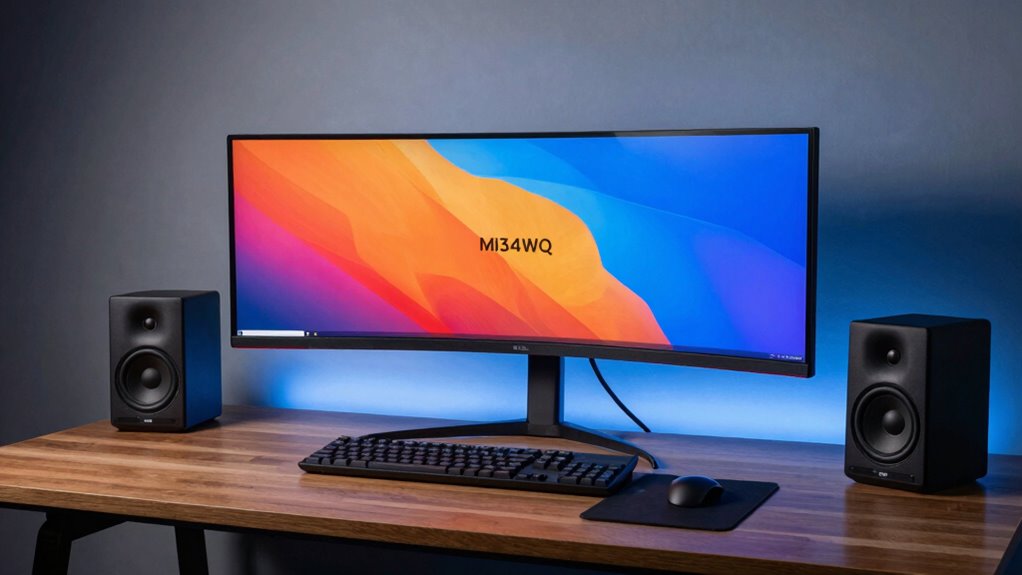
Is the M34WQ’s value proposition compelling enough to justify its ultrawide feature set and price? The monitor packs strong IPS color, 144Hz performance, dual HDMI/DP, and KVM, yielding solid multitasking and gaming merit. Its HDR400 and 91% DCI-P3 offer studio-grade color, yet calibration remains essential in real use. Tradeoffs include modest peak brightness, average speakers, and a price premium versus flat 16:9 competitors, creating an opportunity cost for budget buyers. Pros: wide workspace, ergonomic design, robust inputs, and strong reviews. Cons: inconsistent backlight uniformity, potential irrelevant topic noise in OSD, unrelated aspects of feature bloat. Overall, value varies by priority. Final assessment: measured but not universal.
Conclusion
In conclusion, the M34WQ delivers solid ultrawide performance with a strong feature set for its price. The IPS panel offers broad viewing angles and competitive color accuracy, while 144Hz and a responsive 1ms MPRT promise gaming smoothness. HDR400 and color coverage are adequate but not standout, and the monitor’s value-oriented stance is clear in its modest peak brightness and basic build. Strong multitasking and KVM usability balance the trade-offs, making it a pragmatic choice for gamers and productivity users alike.