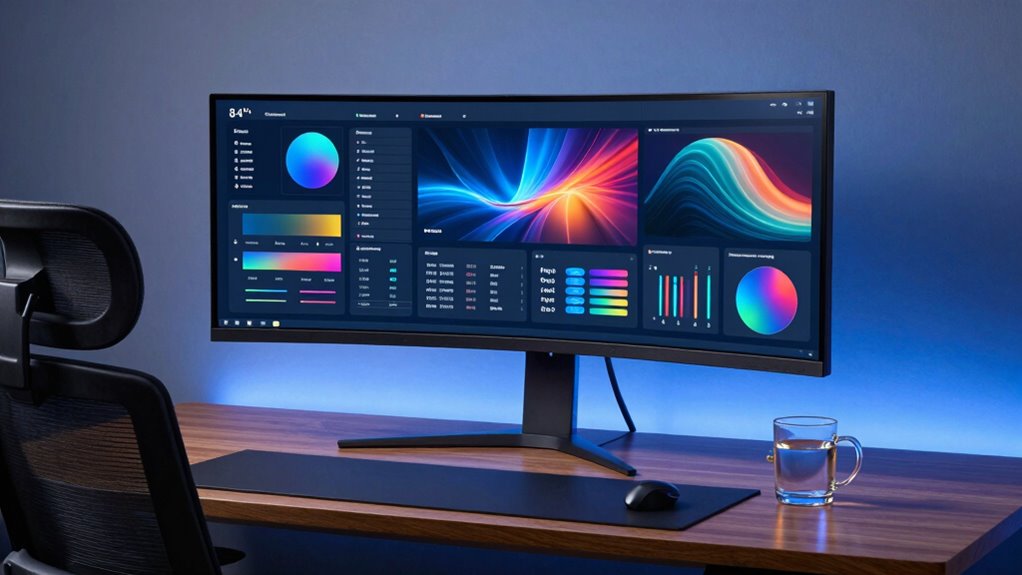
The HP M34d presents a sturdy 34-inch curved panel with 3440×1440 resolution and a utilitarian chassis. It offers strong color accuracy and a broad sRGB footprint, making it suitable for color-sensitive work. The design emphasizes reliability over flashy style, with a slim frame and practical inputs. Connectivity includes USB-C, HDMI, DisplayPort, and multiple USB ports, plus Picture-by-Picture for multi-source use. Some gradient shifts and modest stand adjustability are noted, but more details await further scrutiny.
Design and Build Quality
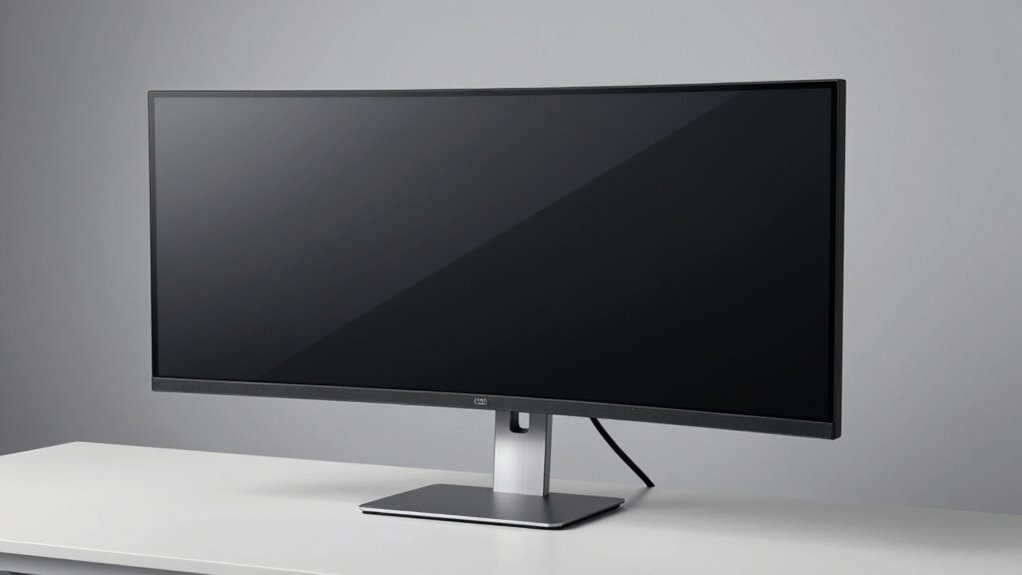
The HP M34d presents a clean, purpose-driven chassis that emphasizes function over flair. The design prioritizes utilitarian form, with minimal ornamentation and restrained lines. Build aesthetics lean toward industrial precision rather than fashion, suggesting durability rather than display drama. The monitor’s frame is slim, yet rigid, contributing to a compact silhouette in workstation setups. Material choices appear robust, though some may view the finish as selective in texture.
Potential design flaws include limited stand adjustability and modest cable management options, which can affect long-term ergonomics. Overall, the build communicates reliability, balancing practicality with understated visual restraint.
Display Performance and Visual Quality
How well does the HP M34d translate its specifications into real-world visuals? The monitor delivers solid W-QHD immersion with a 34-inch curved panel and 3440 x 1440 resolution, yielding sharp details and broad color coverage. Color accuracy is strong, supporting reliable grading for media work, though occasional shifts appear in dense gradients. The 100 Hz refresh rate keeps motion smooth, yet response delays can surface in fast-paced gaming.
Design flaws include limited stand ergonomics and modest brightness consistency across the curve. Color grading benefits from the 99% sRGB coverage, though color uniformity could use refinement for critical workflows.
Connectivity and Multi-Device Versatility
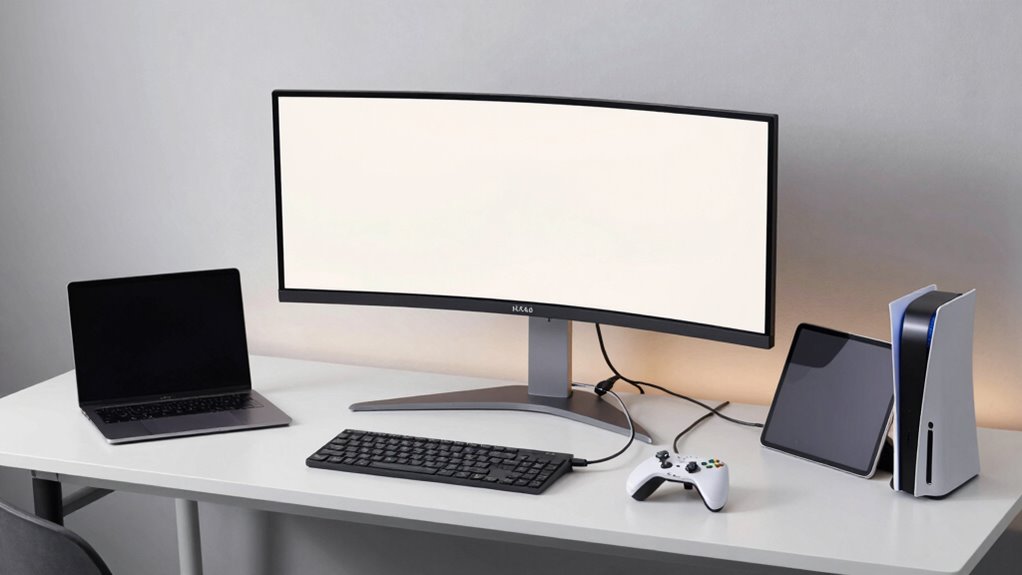
Connectivity options on the HP M34d enable flexible multi-device use, supporting USB-C, HDMI, and DisplayPort inputs alongside four USB downstream ports for peripherals. This configuration enables straightforward pairing of a laptop, console, and PC without switching cables. The inclusion of Picture by Picture enhances productivity by allowing simultaneous monitoring of two sources. USB-C power delivery and data support streamline desk setup, reducing clutter. While the ports cover essential needs, edge-to-edge performance depends on cable quality and source capability. Overall, the monitor offers solid multi-device versatility, balancing convenience with robust input options for diverse workflows. Connectivity options support efficient, distraction-free work and entertainment tasks.
Conclusion
The HP M34d presents a compelling all-in-one workspace and entertainment option, with its expansive 34-inch curved VA panel and ultra-wide 3440×1440 resolution delivering immersive visuals. Its strong points include the Picture by Picture capability, versatile USB-C/USB hub, and solid color performance for its class. Trade-offs surface in modest 5 ms response and 100 Hz refresh rate for competitive gaming, and average brightness/contrast by modern standards. Overall, it excels for multi-device workflows and media consumption, with balanced productivity potential.