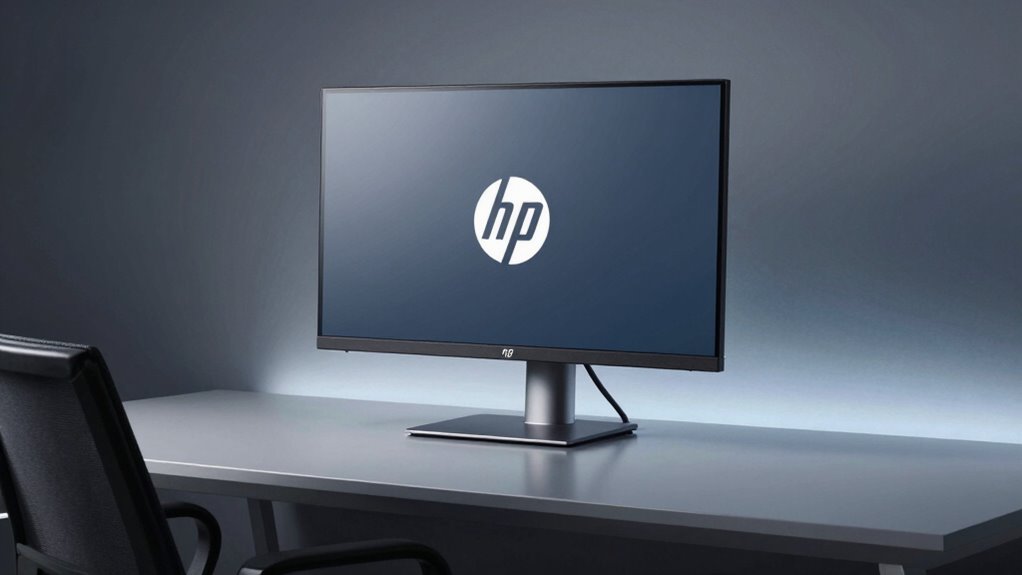
The HP E27d G4 prioritizes dock-centric enterprise practicality over bold aesthetics. It offers solid build quality with a restrained, serviceable chassis and tight tolerances. The 2560×1440 panel provides sharp text and stable brightness, though color accuracy isn’t studio-grade and glare can hinder visibility in bright rooms. USB-C delivers up to 100W and single-cable docking, with robust PXE and WoL features for management. Ergonomics are flexible but not extreme, aligning with docking workflows; more nuances emerge as you continue.
Design and Build Quality
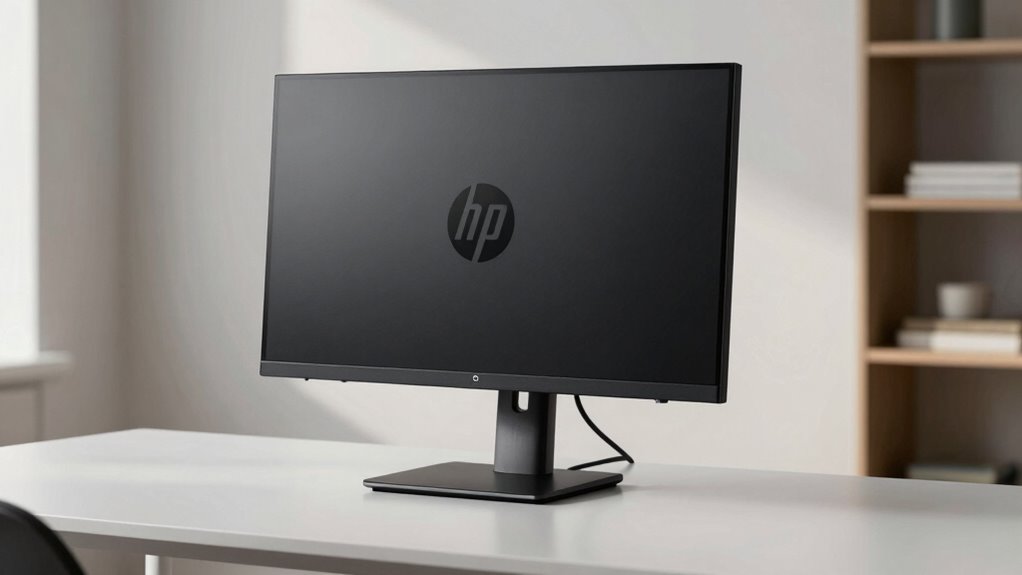
The HP E27d G4 presents a utilitarian chassis with a restrained aesthetic, prioritizing function over flamboyance. The silhouette emphasizes clean lines and predictable proportions, with a modular build that favors serviceability over ornamental flair. Design quality is evidenced by deliberate material choices and tight tolerances, yielding a cohesive, understated profile. The stand provides stable support and ergonomic adjustability, though its minimalistic chrome accents offer little visual flair. Build robustness appears solid in practice, with firm joints and reliable hinge mechanisms that resist looseness over time. Overall, the enclosure communicates durability, aligning with enterprise expectations without sacrificing portability or ease of maintenance.
Display Performance and Real-World Use
The HP E27d G4 delivers a solid display experience aligned with its enterprise-oriented design. Its display performance centers on a sharp 2560×1440 panel with stable brightness and decent contrast for office tasks, though color accuracy is not studio-grade out of the box. Text clarity remains excellent at desktop scales, and the panel handles mixed content without noticeable motion artifacts. In real world use, USB-C power delivery and daisy-chaining support streamline workflows, but glare under bright lighting can hinder visibility.
Connectivity, Docking, and USB-C Power Delivery
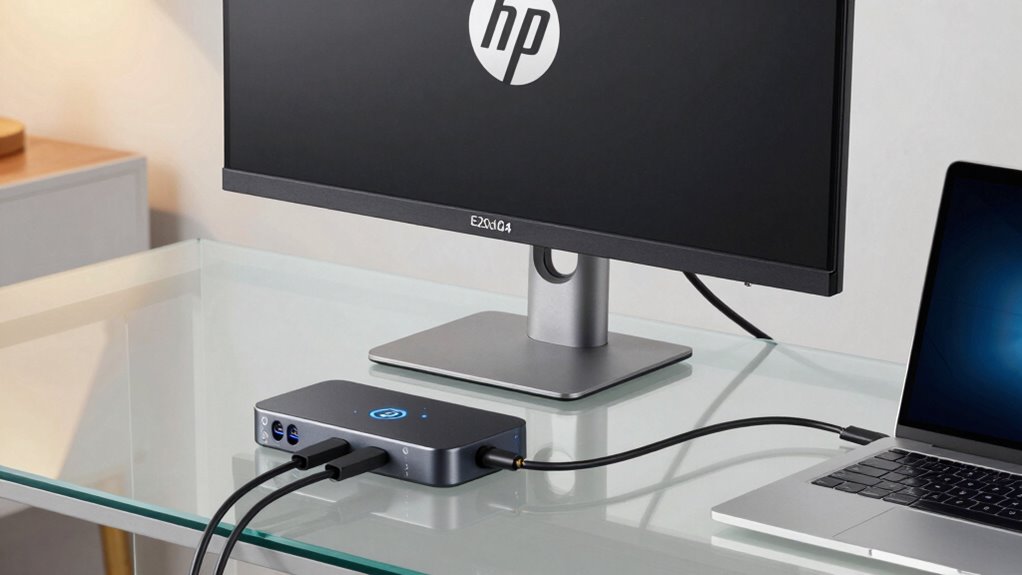
Connectivity, Docking, and USB-C Power Delivery offer a streamlined workflow for enterprise use, combining a single-cable charging path with data and display transmission. The monitor supports USB-C docking that delivers up to 100W, aligning power delivery with data and video passthrough. Connectivity topics are well-integrated, enabling PXE-friendly management via RJ-45, plus remote deployment features. The single-cable approach simplifies cabling but relies on compatible host hardware and cables to prevent bottlenecks.
Docking power delivery is robust for typical office workloads, yet occasional bandwidth constraints may limit high-refresh-rate external displays or complex USB-C accessory setups.
Ergonomics and Usability
With adjustable tilt, height, and swivel, the HP E27d G4 offers versatile ergonomics that accommodate a range of seating heights and working postures. The monitor supports pivot for portrait or landscape orientation, aiding document viewing and coding layouts.
While comfort adjustments are present, their tactile feedback and range are modest, limiting fine-tuning for extreme setups. Usability testing indicates consistent performance in daily tasks, yet occasional stiffness in height adjustment can hinder rapid repositioning.
Ergonomics relevance appears tied to its docking-centric workflow rather than extensive ergonomic recalibration. Overall, the design favors efficiency alignment over bespoke comfort, delivering dependable usability within enterprise contexts.
Features, Software, and Management Capabilities
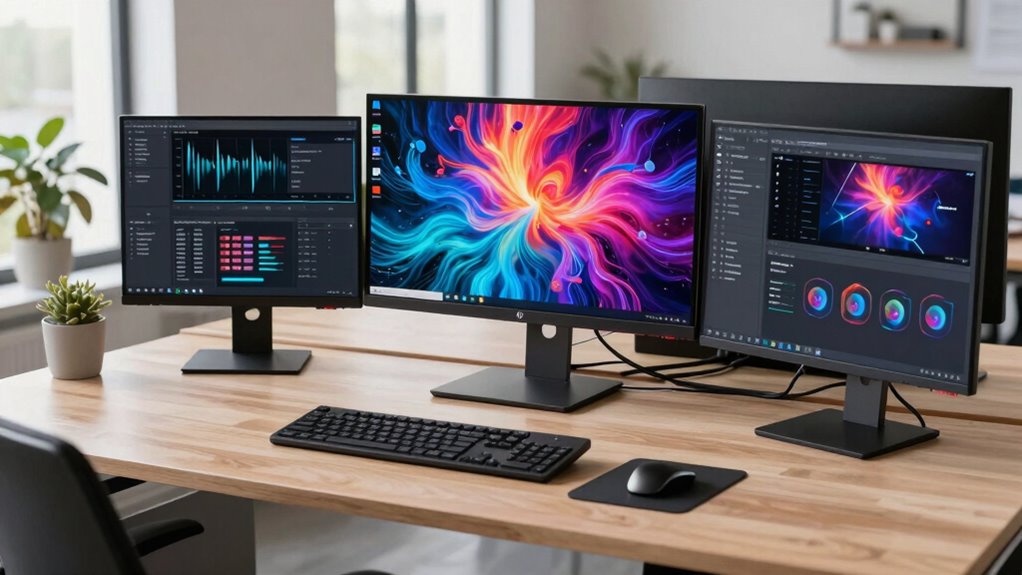
HP E27d G4’s features center on docking efficiency, integrated connectivity, and enterprise-grade management. The docking approach simplifies power and data with a single USB-C link, yet real-world implementations reveal uneven compatibility across PC brands, raising features implications for rollout. Network manageability supports PXE and WoL, but its utility hinges on IT infrastructure and firmware consistency, revealing software limitations in deployment flexibility. The built-in webcam and Windows Hello integration add security value, though firmware updates occasionally lag behind evolving threat models. Overall, management tools promise centralized control, yet require deliberate configuration and ongoing support to avoid partial or inconsistent adoption.
Conclusion
The HP E27d G4 presents a compelling concept: a professional-grade monitor that doubles as a secure, IT-friendly hub via a single USB-C connection. Its design is adaptable, and the Windows Hello webcam adds value for remote work. However, image quality and color accuracy feel conservative for a high-end display, and the suite of enterprise features may outpace typical user needs. Overall, it delivers practical productivity gains for managed environments, with trade-offs balancing convenience against potential compromises in display excellence.