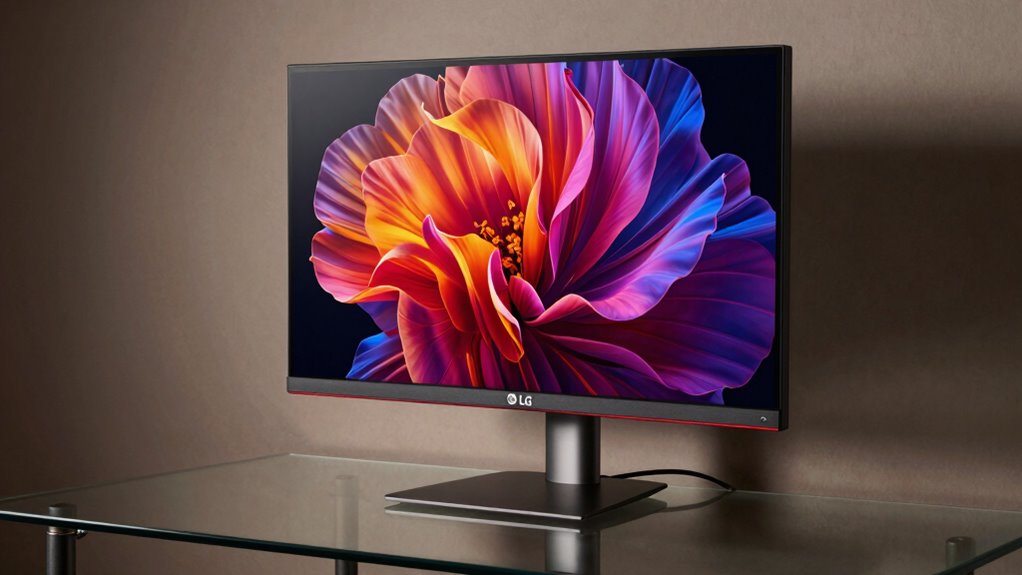
The LG 32UL950-W offers solid ultrafine 4K performance with strong color fidelity and versatile connectivity. It relies on a capable Nano IPS panel, delivering wide DCI-P3 coverage and crisp 4K clarity, though calibration is essential as default presets skew greens and reds. The design is clean and purposeful, with a sturdy stand and thoughtful ergonomics, yet aging firmware and panel quirks temper enthusiasm. HDR600 helps highlights, and Thunderbolt 3 plus Daisy Chain widen productivity—details that matter if you press on.
Design and Build: A Closer Look at the LG 32UL950-W
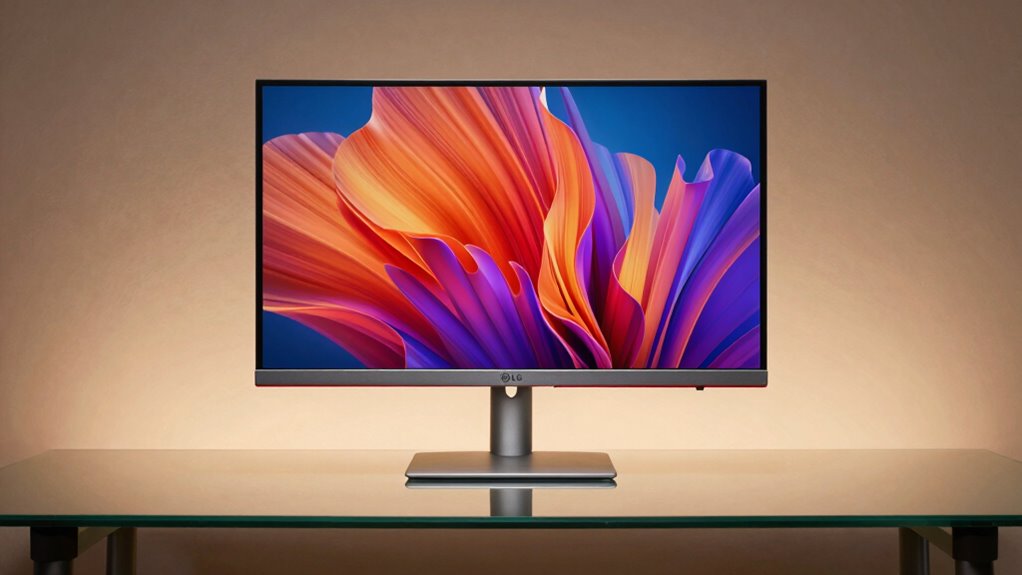
The LG 32UL950-W presents a clean, purpose-built chassis that emphasizes a near-borderless aesthetic and practical adjustability. The design communicates deliberate minimalism, with a silver chassis that reinforces a restrained, professional presence. Build materials appear robust for a monitor in this class, combining metal accents with a sturdy stand and refined seams.
The 4-Side borderless frame complements the Nano IPS panel without distracting elements, while the height, pivot, and tilt adjustments meet ergonomic expectations. The result is cohesive: design aesthetics favor subtle refinement, and build materials convey durability, aligning form with function while preserving a discreet, utilitarian profile.
Display Quality: Color, HDR, and 4K Clarity
Display Quality rises to the core strengths of the LG 32UL950-W thanks to a Nano IPS panel that delivers particularly wide color and sharp 4K clarity. The panel supports high color fidelity, with strong DCI-P3 coverage, but real-world results depend on careful monitor calibration to reach intended targets. In HDR, DisplayHDR 600 offers punchy highlights yet may require tone-mapping adjustments for consistent skin tones and contrast across content. Color accuracy remains competitive when calibrated, though the default presets can skew saturated greens and reds without refinement. Overall, 4K clarity is compelling, while precision in color presentation hinges on disciplined calibration.
Connectivity and Productivity Features: Thunderbolt 3 and Daisy Chain
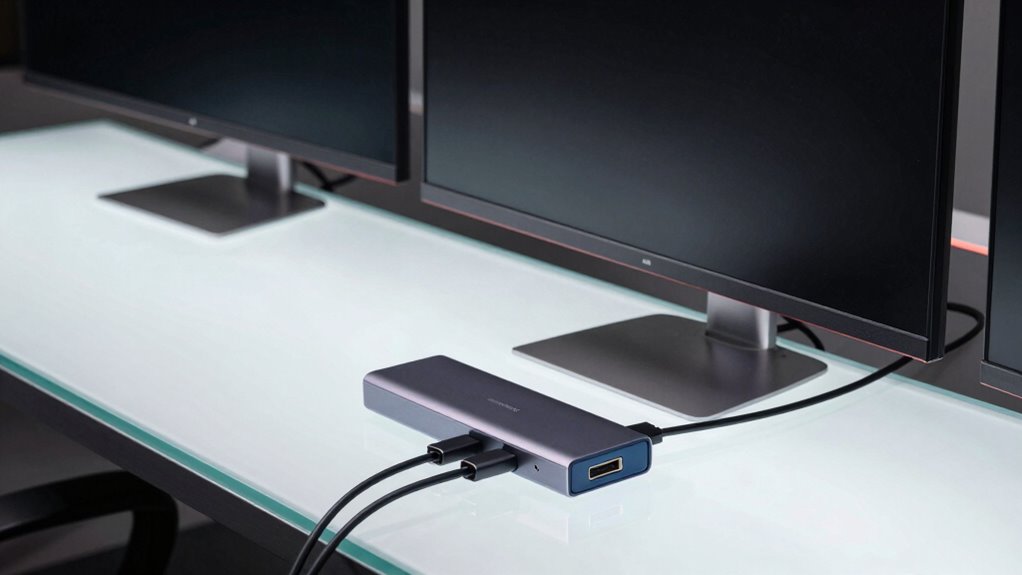
Thunderbolt 3 connectivity unlocks seamless high-resolution work setups, enabling 4K output on two monitors simultaneously and simplifying cable management for demanding multitasking environments.
The LG 32UL950-W’s Thunderbolt 3 and Daisy Chain support deliver practical expansion without extra hubs, preserving pixel integrity across displays.
For productivity, the arrangement reduces desk clutter and supports synchronized color workflows when paired with compatible hardware.
However, the unboxing experience can set expectations; accessory quality matters for perceived value.
Color accuracy remains a focal point, with accurate calibration essential to leverage 4K clarity.
Usability and Ergonomics: Adjustment Range and Comfort
For a monitor aimed at professional workflows, the usability and ergonomic range of the LG 32UL950-W matters as much as image quality, and its stand delivers a practical blend of adjustability without overreach. The height, tilt, and pivot offer meaningful latitude, yet the lack of deeper swivel reach constrains multi-monitor setups. The design minimizes desk clutter while preserving placement versatility, supporting comfortable viewing angles across extended sessions. However, ergonomics drawbacks emerge in segmental alignment, where precise, repeated adjustments reveal modest friction. Overall, these adjustments reflect deliberate feature tradeoffs that balance stability with flexibility, without sacrificing essential performance for demanding tasks.
Value and Verdict: Should You Buy the 32UL950-W?
Is the LG 32UL950-W worth buying for demanding professional workflows, given its feature set and constraints?
The monitor offers strong color fidelity with 98% DCI-P3 and robust connectivity (Thunderbolt 3, Daisy Chain), helpful for multi-source setups. However, reliability concerns persist for a device introduced in 2018, with aging panel performance and occasional firmware quirks reported by some users.
Value rests on how critical HDR600 and dual 4K output are to the user. Warranty coverage and vendor terms become decisive: confirm depth of coverage beyond standard return windows, and check service options, since long-term reliability matters as much as initial performance.
Conclusion
The LG 32UL950-W delivers exacting color, solid 4K clarity, and flexible ergonomics, backed by robust connectivity. While its brightness and HDR performance are respectable, they lack the punch of newer panels, and the design’s elegance comes at a premium. For color-critical work and a refined 4K workflow, it remains a compelling, though not flawless, choice. Pros outweigh cons for prosumers seeking stability and daisy-chain convenience in a professional-grade ultrawide standard.