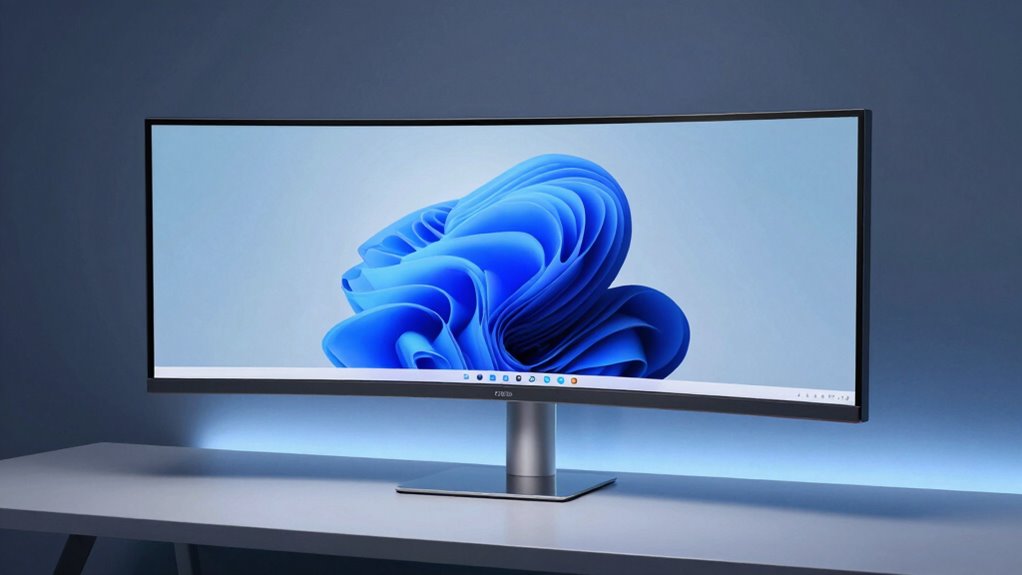
The LG 49WL95C-W presents a substantial ultrawide single-cabinet silhouette with a curved, cohesive chassis that dominates space. Build quality reads solid, though some components flex modestly under pressure. The panel excels with high resolution and sharp text, while color accuracy is generally adequate but benefits from calibration for critical workflows. HDR10 adds contrast, yet edges may feel less sharp on the expansive 32:9 format. For connectivity, USB-C supports power and data, with extra USB ports; more details await.
Design and Build Quality
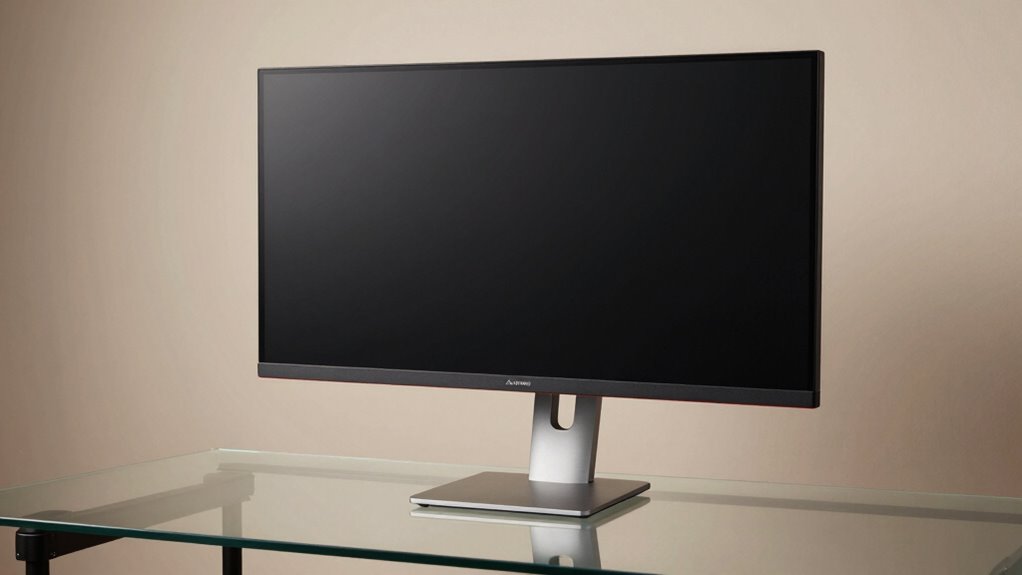
The LG 49WL95C-W presents a substantial, single-cabinet silhouette that underscores its ultrawide, curved design. The chassis crafts a cohesive profile, yet its bulk imposes logistical constraints in compact spaces.
Build quality appears solid, though some components exhibit moderate flex under pressure, suggesting room for refinement.
The stand offers three-axis adjustability, aiding ergonomic alignment; however, overall stability remains contingent on desk rigidity.
Cable management is practical but not sophisticated.
Color accuracy is adequate for general use, though potential calibration may be required for critical workflows.
Design flaws are subtle but detectable in panel uniformity and hinge tolerances.
Display Performance and Features
How effectively does the LG 49WL95C-W deliver across clarity, color, and responsiveness? The monitor offers a high-resolution ultrawide panel with sharp text rendering and solid color accuracy. Pixel density remains strong for mixed work, though the expansive 32:9 format can dilute perceived sharpness at edges compared with smaller panels. HDR10 contributes noticeable contrast enhancements, and the sRGB coverage supports accurate workflows, yet the white point and gamma tuning show room for refinement. Panel brightness holds well in typical ambient lighting, preventing visible glow, while response times are adequate for productivity but not gaming. Overall, display performance aligns with professional use.
Connectivity and Practical Use
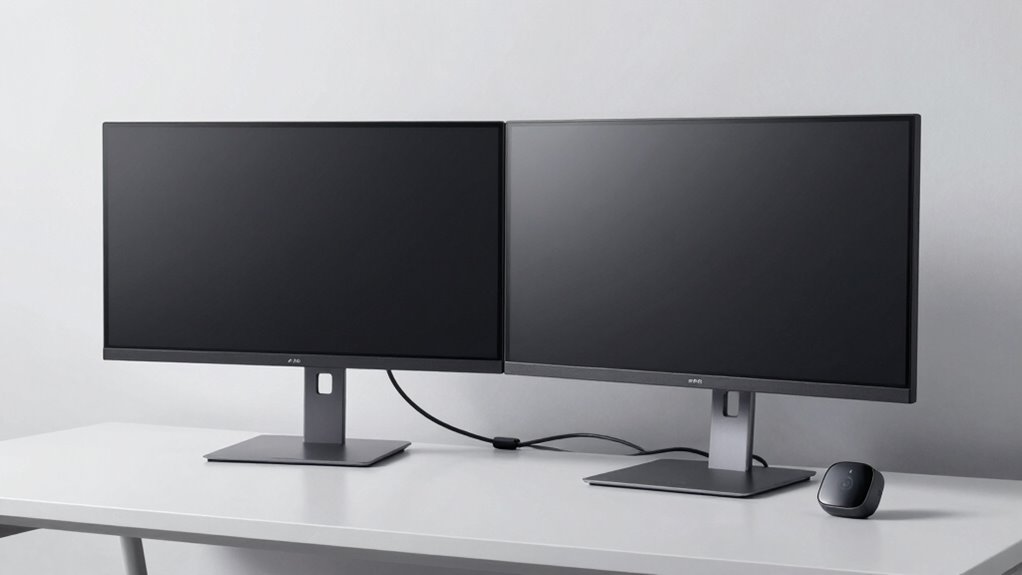
Connectivity is straightforward yet pragmatic, with a single USB-C input supporting video, power, and display data to compatible PCs, alongside additional USB-A ports and a basic USB 2.0 downstream port for peripherals. The arrangement favors modern laptops while limiting legacy device compatibility. Practical mounting is aided by a sturdy, height-adjustable stand but requires attention when wall-mounting due to the rear cable routing and weight distribution.
Connectivity limitations become noticeable for multi-device ecosystems, as only one USB-C path carries power delivery.
Conclusion
The LG 49WL95C-W delivers substantial workspace and solid image fidelity, but its strengths are tempered by practical compromises. While the ultrawide curvature and color accuracy suit productivity and creative tasks, HDR performance remains modest and build quality shows typical edge-case flex for a large panel. Connectivity is robust, yet ergonomic adjustments could be more intuitive in busy setups. Overall, it offers strong value for multi-app workflows, with caveats that price and feature trade-offs should be weighed against alternatives.