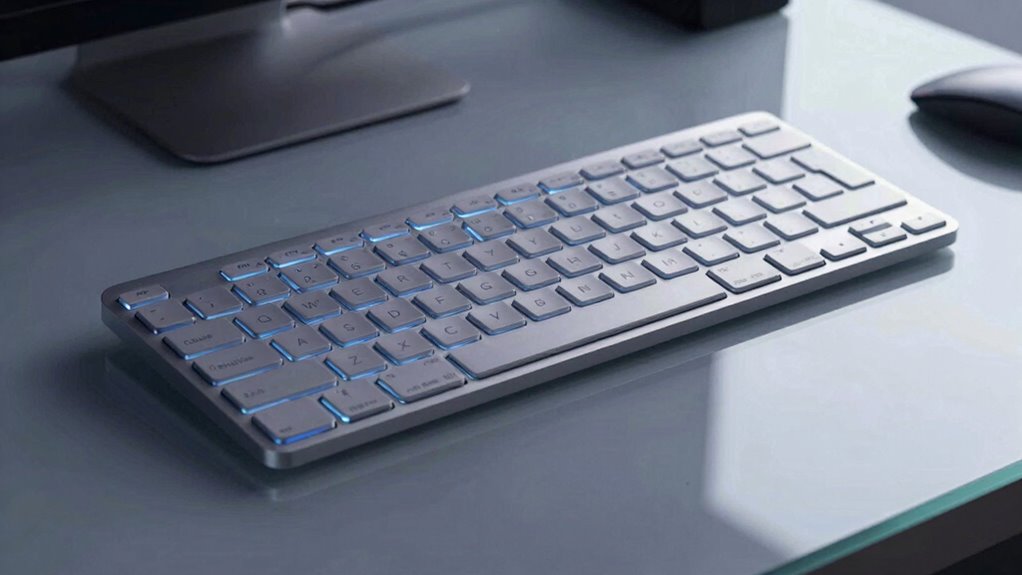
The Logitech G815 combines a slim aluminum chassis with a rigid, distortion-resistant frame, offering a compact footprint and recessed mounting. Its GL Clicky switches deliver immediate tactile feedback and a distinct audible click, paired with moderate actuation force that reduces accidental presses. Lightsync RGB supports per-key customization and practical presets, though brightness can vary with content. G Hub centralizes profiles and community sharing, while USB 2.0 passthrough adds peripheral utility. Technical efficiency and customization are solid; more details await further inspection.
Design and Build: A Slim, Durable Aluminum Chassis
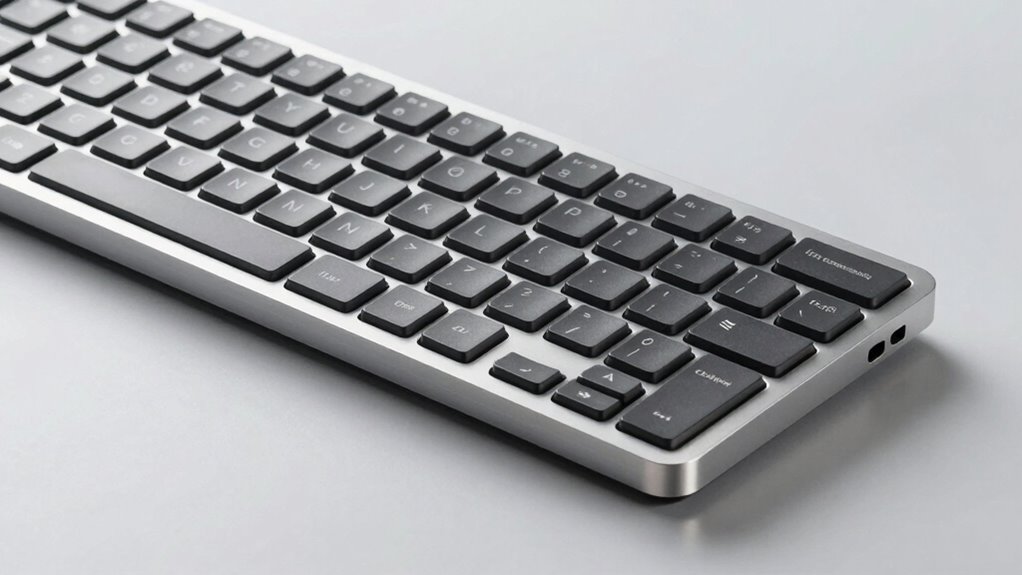
The design centers on an aircraft-grade aluminum chassis that is thin yet rigid, delivering a durable, low-profile profile. The build emphasizes aluminum rigidity, yielding a solid, distortion-resistant frame that maintains precision under use. The chassis supports a compact footprint without sacrificing structural integrity, aligning with a design climate that favors minimal mass and maximal stiffness. Connectors and mounting points are recessed, reducing profile while preserving access for peripherals. Thermal behavior appears steady, with minimal hotspot accumulation during extended sessions. Finish consistency and seam alignment reflect deliberate manufacturing controls. Overall, the design combination delivers predictable actuation stability and a restrained, premium aesthetic.
Key Switches and Typing Experience: GL Clicky Impressions
GL Clicky switches deliver immediate tactile feedback with a distinct audible click, aligning with Logitech’s aim for precise, responsive typing.
The GL clicky variant provides a pronounced bump and audible cue, aiding accuracy in fast bursts but risking fatigue over long sessions. Actuation requires moderate force, reducing accidental presses yet inhibiting featherlight typing.
Overall, gl clicky emphasizes clarity of keystrokes over smoothness, benefiting typists who value cadence and audible confirmation. Typing comfort depends on grip, desk height, and duration; for long sessions, the audible feedback may become fatiguing.
Precision-focused users may prefer varied switch options depending on workload.
Lighting and Personalization: Lightsync RGB and Custom Animations
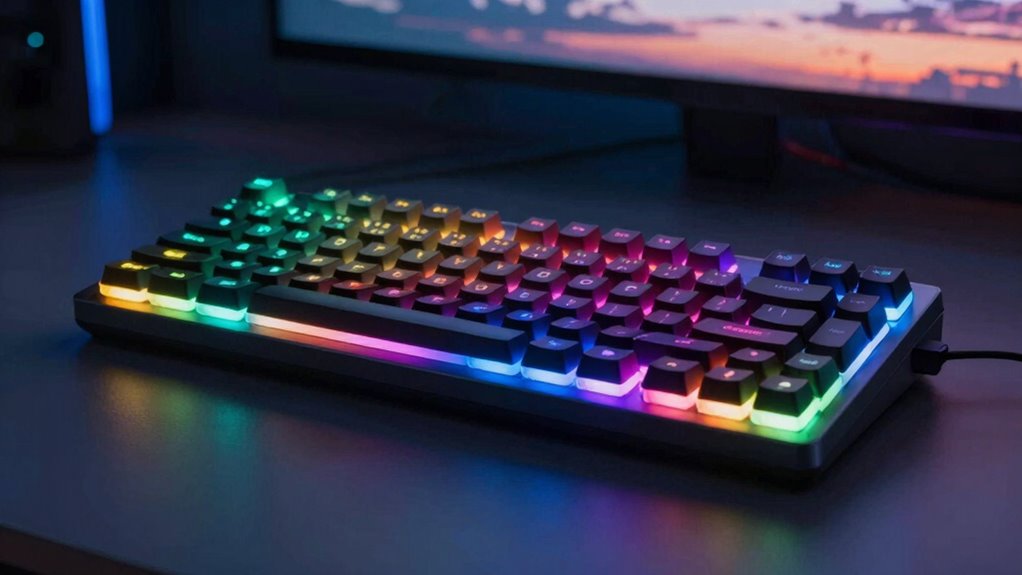
Lighting and personalization centers on Lightsync RGB and the ability to craft custom animations. The system enables lighting customization with 16.8 million colors and per-key control, yielding precise color synchronization across zones. While visuals are sharp, brightness effects vary with content, occasionally subduing subtle hues in dim scenes.
Animation creation offers practical presets and tailored sequences, but complex scenes may require software navigation beyond the keyboard itself. Personalization remains robust, yet the value hinges on G Hub integration for full feature access. In isolation, lighting conveys status effectively, though it hinges on software for deeper customization and profile management.
Software and Profiles: G Hub Integration and Community Sharing
G Hub integration centralizes control over profile management, key remapping, and device-wide settings, enabling per-game customization and streamlined sharing. The software integration framework consolidates profiles, macros, and lighting across devices, promoting cohesive setups. It demonstrates solid stability and reasonable responsiveness, though occasional UI verbosity can hinder rapid edits.
Community sharing appears as a clear value proposition, enabling users to browse, rate, and deploy profiles created by others; however, quality and applicability vary by game and hardware compatibility. Overall, G Hub offers robust personalization with a trade-off between depth and simplicity, emphasizing collaboration while maintaining configuration density.
Connectivity, Peripherals, and Media Controls: USB Pass-Through and Quick Access Tools
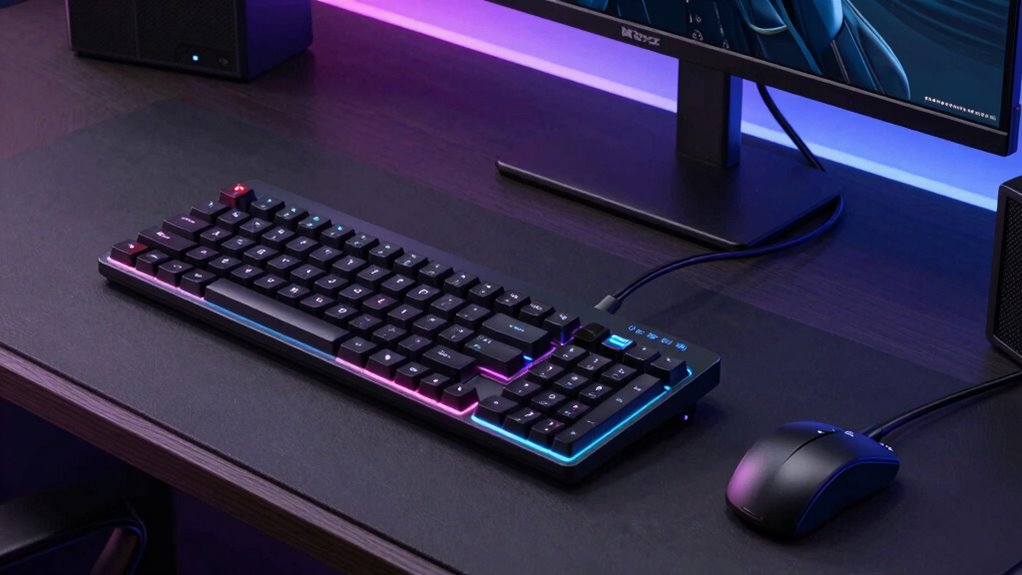
USB passthrough and quick-access controls provide practical connectivity and streamlined media management. The keyboard includes a USB 2.0 pass-through port with a dedicated cable, ensuring full power throughput and stable data speeds for connected peripherals. This arrangement supports simple peripheral expansion without cable clutter, though it relies on the host’s USB bandwidth and may introduce slight latency under heavy I/O load.
Media controls are dedicated and accessible, enabling quick play, pause, skip, and mute actions through a tactile interface. Overall, usb passthrough and media controls are functional but modest enhancements, prioritizing reliability over advanced versatility.
Conclusion
The G815 delivers a compelling blend of rigidity and refinement, underpinned by a durable aluminum chassis and a true low-profile form. The GL Clicky option offers crisp tactile feedback and audible cues, though it remains niche for casual typists. Lighting and software integration are robust, with extensive customization via G Hub and per-profile macros. However, the low-profile key feel may not suit all users, and the premium price reflects targeted performance rather than universal appeal. Overall, a strong but not universally ideal choice.