The Samsung CJ890 C49J890DKN blends rugged build and multitasker features for multi-source workflows. It offers a 49-inch VA panel with 32:9 aspect, 1800R curvature, and a 144 Hz refresh rate, but color accuracy and brightness lag premium expectations. KVM and dual USB-C enable source switching, yet input lag can surface under heavy use and peripheral compatibility is limited. The stand is adjustable but compact, affecting eye level for taller users. This review highlights trade-offs for developers and command-center setups; more specifics follow.
Design and Build: What Sets the CJ890 Apart
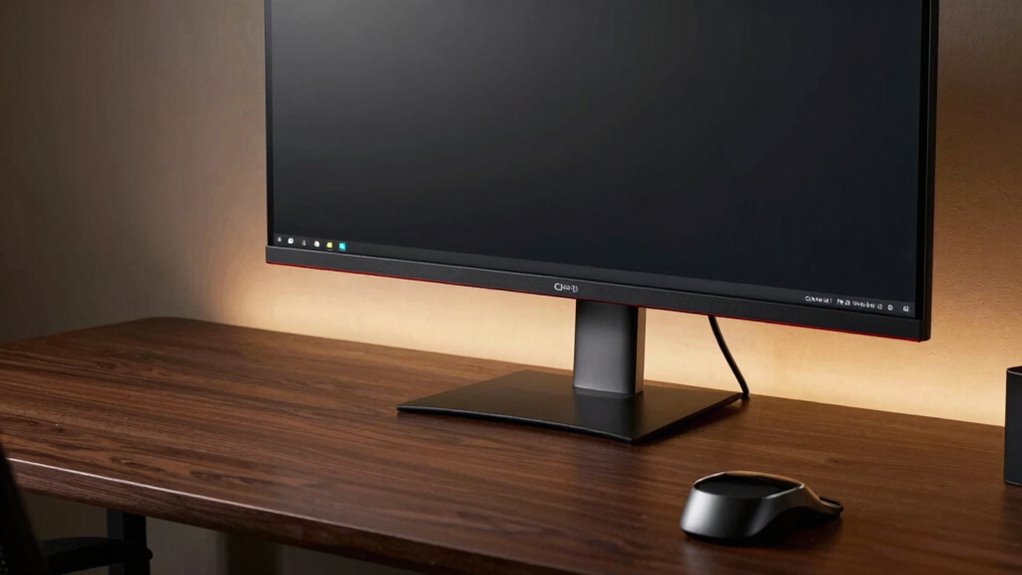
The CJ890’s design stands out more for function than flash, emphasizing a streamlined workhorse aesthetic over minimalist flair. The chassis prioritizes durability and cable management, with a sturdy stand and integrated KVM controls that streamline multi-device workflows. Its curvature and 49-inch footprint foster immersion without extravagance, yet the bezel reduction remains modest, not revolutionary.
From a design critique perspective, material choices convey practicality over premium tactility, and assembly appears straightforward. The device communicates reliability through its business-focused silhouette. Price analysis suggests value lies less in luxury than sustained performance, aligning build quality with cost despite competing models at similar price points.
Display and Performance: Immersive 49-Inch Curved Panel
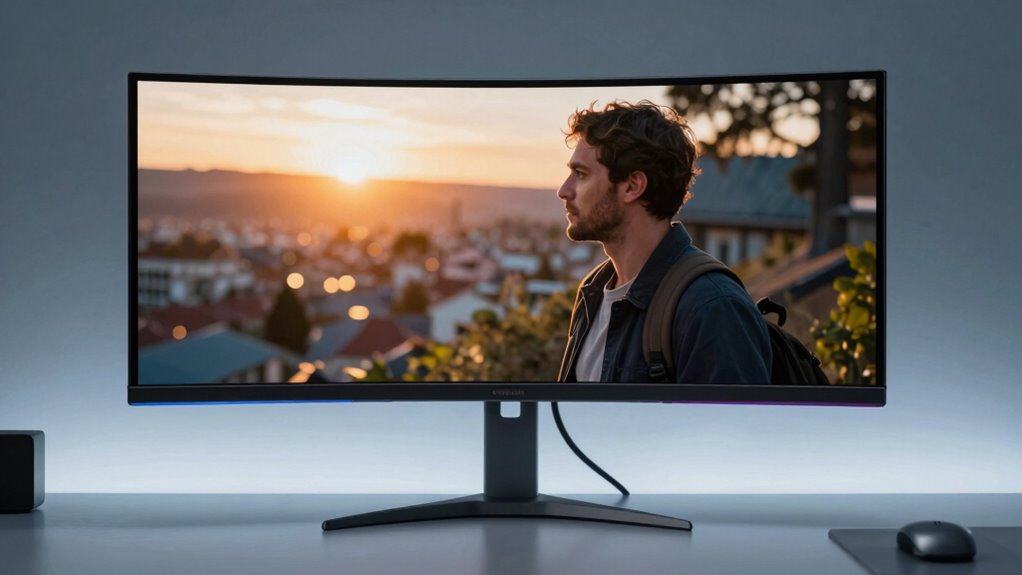
The CJ890’s 49-inch VA panel delivers a sweeping 32:9 canvas with a 3840×1080 resolution, designed to replace dual-monitor setups without excessive bezel clutter.
In display performance terms, the panel provides broad immersion via 1800R curvature and 178° viewing angles, yet color accuracy and brightness fall short of premium expectations for professional grading.
The 144 Hz refresh rate enables smooth motion, but input lag remains a consideration for fast-paced tasks.
Contrast depth is solid, though casual glare can disrupt scenes.
Connectivity and Multitasking: KVM, USB-C, and Multi-Device Use
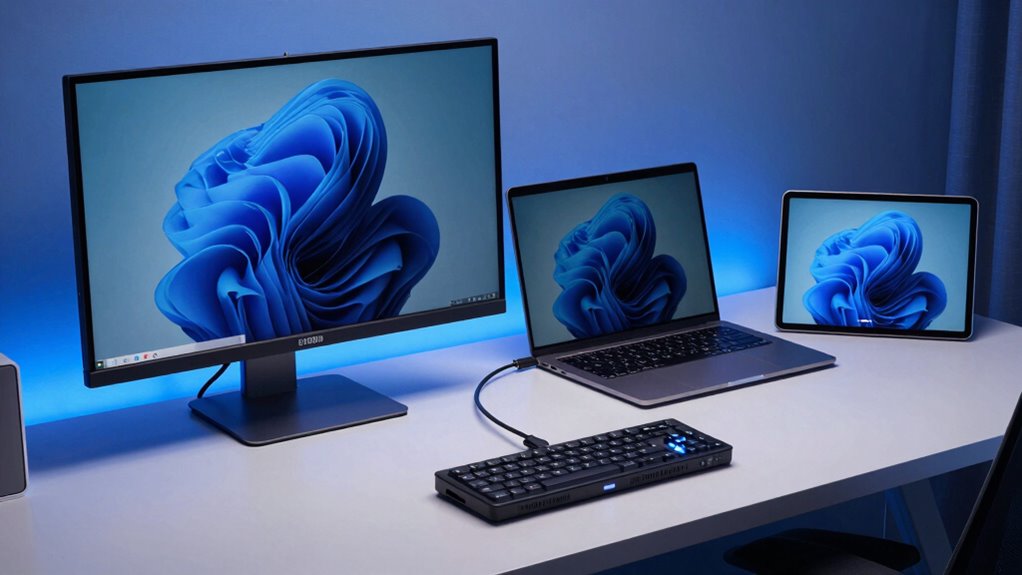
Connectivity and multitasking centers on how the CJ890 manages device integration and workflow efficiency. The CJ890 supports dual USB-C ports and built-in KVM, enabling control of two computers with a single peripheral set. However, KVM limitations emerge under heavy workloads, including occasional input lag and limited peripheral compatibility when switching sources. USB C versatility shines with daisy-chaining and monitor-centric power delivery, yet practical power and display bandwidth constraints temper seamless multi-device use. The monitor maintains stable switching between sources, but provisioning for future USB-C devices and higher-bandwidth tasks could improve overall multitasking fluency. Overall, the setup favors streamlined workflows with caveats.
Setup and Usability: Adjustability and Desk Ergonomics
Designed with workstation ergonomics in mind, the CJ890’s adjustable stand offers height, swivel, and tilt modifications to tailor fit and posture. The implementation is practical but reveals tighten constraints: height range is modest, limiting optimal eye level for taller users, while swivel and tilt provide basic reach without advanced pivot angles. The result is adequate but not exceptional for long sessions.
Desk footprint remains compact for a 49-inch panel, yet requires ample lateral space to prevent crowding peripherals. Overall adjustability is sufficient for general use, though potential buyers should assess detailed stand geometry against their desk setup and cable routing needs.
Verdict: Who Should Consider the CJ890 and How It Compares
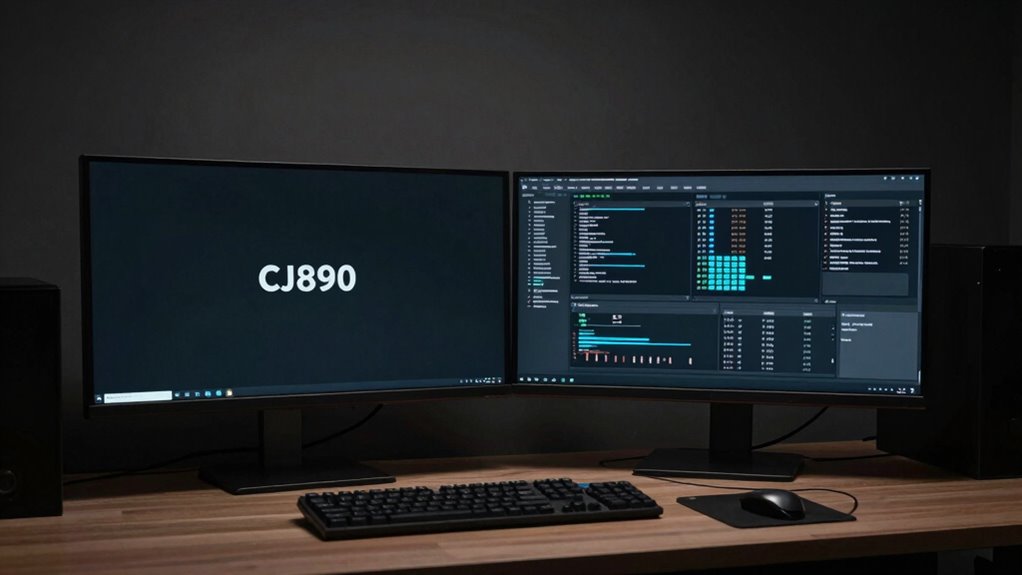
Verdict: Who should consider the CJ890 and how it stacks up against rivals hinges on specific workstation needs and tolerance for trade-offs. The monitor offers strong productivity appeal for multi-source setups, but its 1080p vertical resolution across a 49-inch panel can compromise detail for color-critical tasks. Reliability testing suggests solid build quality and a durable 3-year warranty; however, peak color accuracy may require calibration for professional standards. Compared with true 4K ultra-wide contenders, it trades resolution for content immersion and ergonomic flexibility. It suits developers and command-center workflows, while demanding color work may demand alternative panels with stricter color fidelity.
Conclusion
The CJ890 delivers a striking single-screen alternative to multi-monitor rigs, combining a vast 49-inch curved panel with solid ergonomics and convenient KVM/USB-C versatility. However, its 3840×1080 resolution on a 49-inch real estate can feel underwhelming versus higher-PPI rivals, and color calibration may lag behind true professional displays. For workflow-heavy users needing device consolidation, it excels; for color-critical work or peak gaming, its value hinges on prioritizing desk space and multi-source efficiency over ultimate image fidelity.