The SideTrak Slide is a compact, 12.5-inch secondary display with a slim black enclosure and magnetic metal plates for secure attachment. It attaches easily, with a confirming click, and uses DisplayLink for compatibility on most 13″–17.5″ laptops, though some Windows 10 systems may require driver updates. The IPS 1080p panel offers solid clarity, legible outdoors, and stable color across presets. Power draws from the host laptop, enabling portable, multitasking workflows; more specifics follow.
Design and Build: What Makes SideTrak Slide Stand Out
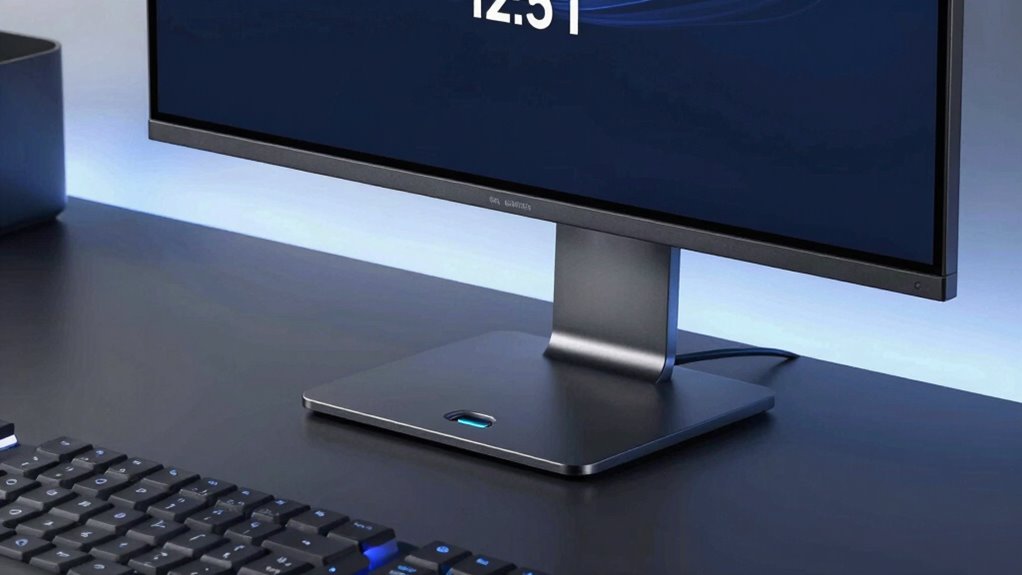
The SideTrak Slide distinguishes itself through a compact, purpose-built design that prioritizes secure attachment and portability. The enclosure integrates a 12.5-inch FHD IPS panel with lightweight framing, maintaining a slim profile on the laptop’s back. Attachment relies on device-safe metal plates and a strong magnetic connection, enabling stable mounting without obstructing access to ports.
Build quality emphasizes durability and repeatable placement, with consistent hinge-to-body alignment and minimal flex under use. Design aesthetics favor a professional black finish and understated edges, while magnetic durability ensures dependable holding force during daily handling. Overall, the design supports practical, portable dual-screen use.
Setup Experience: Attaching, Installing, and Getting Connected
Attaching the SideTrak Slide is straightforward: the monitor secures to the laptop back using device-safe metal plates and a magnetic connection that holds firmly without affecting access to ports. Setup begins with a simple alignment of plates, then a click confirms attachment.
Installation involves installing DisplayLink software on compatible systems and following on‑screen prompts.
Getting connected requires selecting external display mode in the operating system and calibrating the second screen for cursor flow.
Across models, users report minimal setup challenges when drivers install correctly.
Power considerations are minimal; no extra power supply is needed beyond the host laptop’s USB or USB-C port.
Display Quality and Performance on the Go
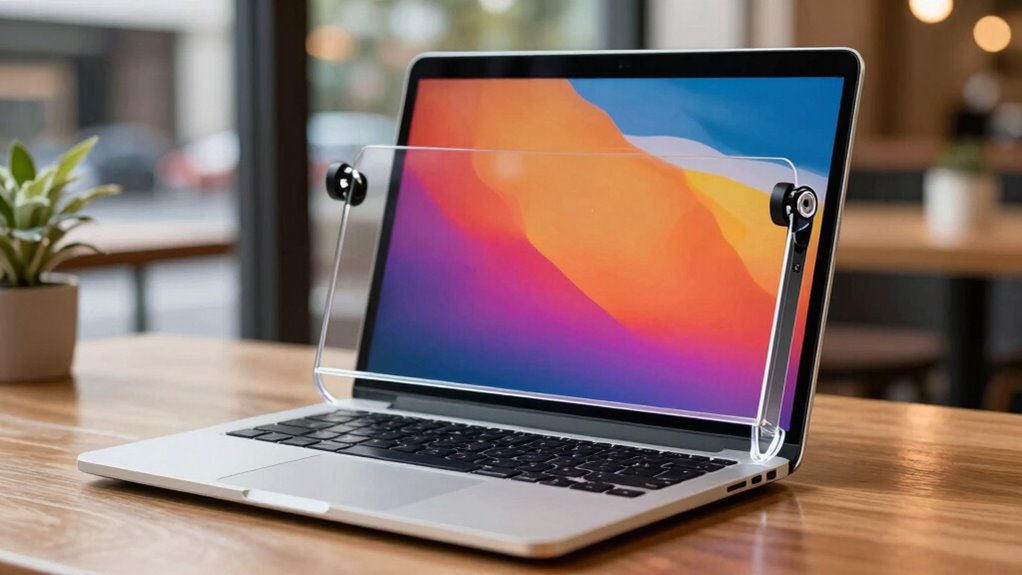
Display quality remains solid in portable use, with the 12.5-inch, 1080p IPS panel delivering consistent brightness and wide viewing angles when viewed in typical laptop distances. In on the go scenarios, brightness maintains legibility outdoors with moderate glare, and color fidelity remains stable across calibration presets.
The panel’s 1080p resolution yields sharp text and clear media, while viewing from common angles avoids notable color shifting. Response times suit daily tasks, and PWM is not evident at typical brightness levels.
Compatibility and Practicality for Different Laptops
Assessing compatibility, the SideTrak Slide relies on DisplayLink technology and is designed to work with most 13″–17.5″ Mac or Chrome laptops, while noting that some Windows 10 systems may not support DisplayLink without specific driver updates.
The monitor attaches securely via metal plates and provides a true secondary display, useful for multitasking.
Practicality hinges on power requirements, as the device draws from the host laptop or an external source; users should confirm available USB power or additional adapters.
Compatibility limitations exist for certain Windows 10 configurations, but broad Mac/Chrome support remains a core advantage for portable productivity.
Real-World Uses and User Feedback
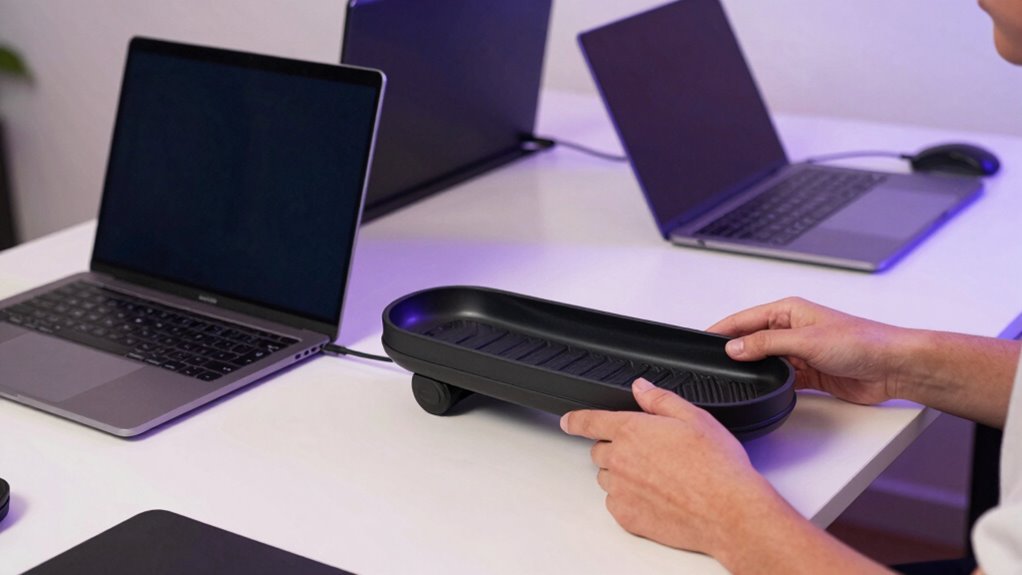
Users report real-world benefits and limitations of the SideTrak Slide in everyday setups. In practice, the monitor adds a usable second display for multitasking, presenting documents, web research, and code reviews without a laptop overhaul. Its light 1.65-pound build supports portable workflows, while secure magnetic attachments preserve screen orientation during transport. Some users note DisplayLink compatibility issues on certain Windows 10 systems, requiring a software download and occasional driver tweaks. Real world flexibility emerges when placed on either side of the laptop, enabling left- or right-handed setups.
Conclusion
The SideTrak Slide delivers a portable, true laptop extension with a lightweight, durable build and straightforward attachment. Its magnetic mounting and 12.5-inch IPS FHD panel offer usable extra screen real estate without bulk. DisplayLink compatibility broadens device support, though Windows 10 users may face software quirks. Overall, the monitor provides practical value for mobile workers seeking dual-screen productivity, with easy setup and reliable performance, balanced by compatibility caveats and the trade-off of added weight on the travel-ready setup.