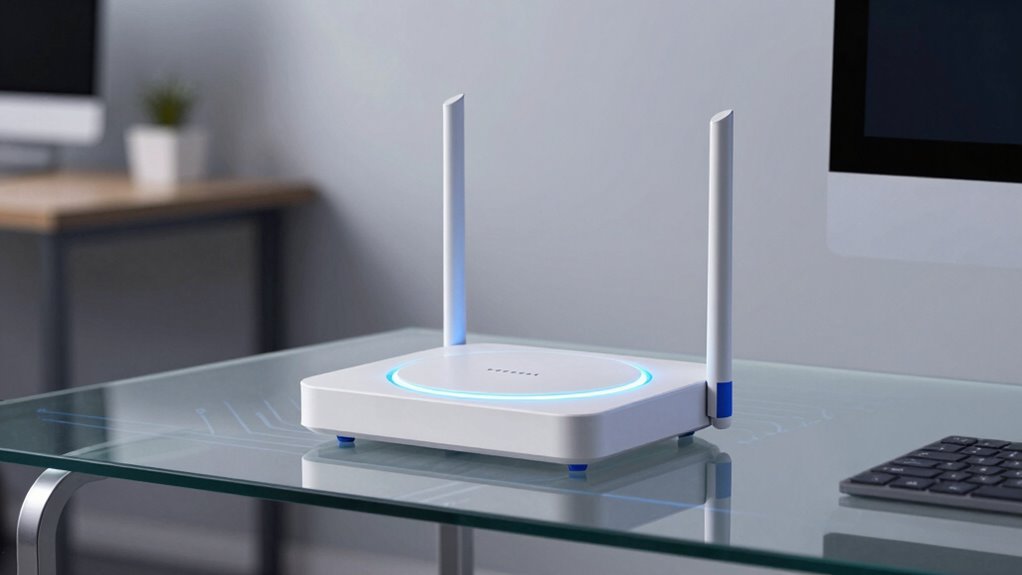
The TP-Link Deco XE75 Pro is a compact, two-unit mesh with a minimalist build and a single 2.5G WAN/LAN port plus two Gigabit outputs. It claims true tri-band performance up to 5,400 Mbps, aided by a 6 GHz backhaul, but real-world results may lag under load and heat can throttle speeds. AI-driven mesh and Smart Routing offer self-optimization, yet outcomes depend on environment and device layout. Privacy and telemetry require scrutiny. More details await.
Design and Hardware Overview
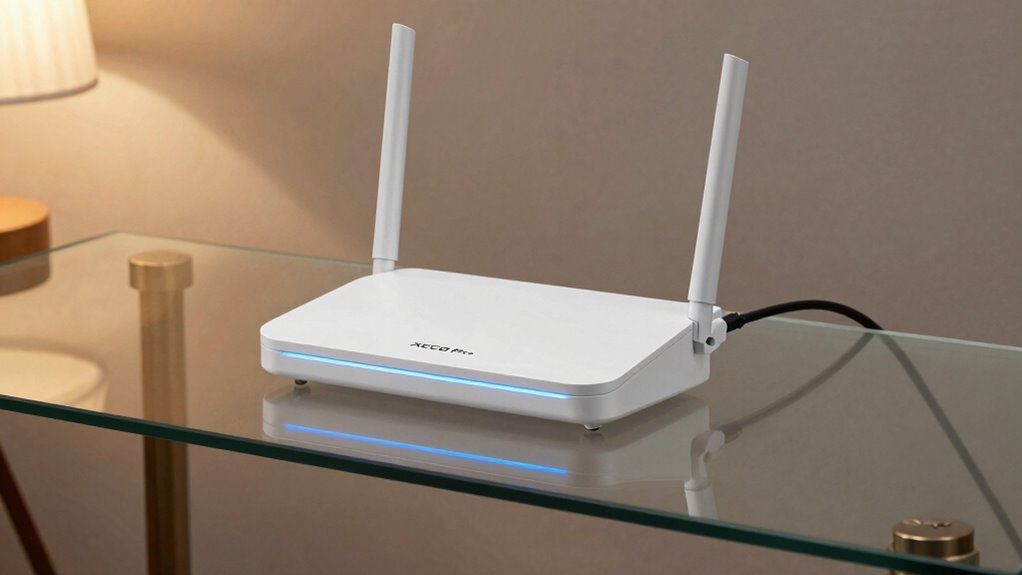
The TP-Link Deco XE75 Pro arrives as a compact, two-unit mesh system that emphasizes a clean hardware footprint alongside flexible network options. From a design overview perspective, the enclosures are minimalist, with understated branding and modest dimensions that suit discreet placement. Each unit presents a single 2.5G WAN/LAN port and two Gigabit outputs, reducing port clutter relative to larger ecosystems. Build quality conveys a practical durability, though no extraordinary materials are claimed. The hardware durability appears adequate for typical home use, with no obvious fragility.
Performance: Speed, Coverage, and 6 GHz Backhaul
Coverage and throughput specifics frame a clear picture: the Deco XE75 Pro delivers True Tri-Band operation with a combined theoretical peak of up to 5,400 Mbps, anchored by 6 GHz backhaul that enables personality-specific optimization between nodes.
In practice, speeds meet expectations on wired-connected tests, yet real-world throughput often falls short of spec, revealing speed limits under load and distance.
Coverage appears solid for the stated area, though dead zones still surface at range extremes.
Hardware heat emerges as a consideration during extended sessions, potentially throttling sustained performance.
AI-Driven Mesh and Smart Routing

AI-Driven Mesh and Smart Routing introduces Deco XE75 Pro’s self-optimizing behavior, which purportedly learns network conditions, client quality, and user patterns to allocate paths and resources. The system relies on AI-driven processes to optimize traffic flows, prioritizing devices and services through dynamic routing decisions. In practice, performance depends on environment, interference, and device distribution rather than constant perfection. Skeptically, the approach blends automation with opaque criteria, raising questions about consistency and control. Users receive ongoing adjustments via the Deco app, yet tangible benefits vary. Overall, smart routing offers potential gains, but results hinge on real-world variability and implementation transparency.
Security, Privacy, and Parental Controls
As AI-driven mesh helps optimize performance, it remains essential to scrutinize how the Deco XE75 Pro manages protection, data handling, and access control.
The system offers TP-Link HomeShield with a cybersecurity pledge and basic protections such as Security Scan, IoT device identification, and parental controls.
Yet, security concerns persist: ongoing threat models, data handling transparency, and potential telemetry practices require scrutiny beyond marketing claims.
Parental controls limitations surface in capability and granularity, potentially lacking robust-time controls and cross-device enforcement.
Setup Experience and Daily Use

Do users encounter a straightforward, vendor-supported setup, or do the steps reveal hidden friction? The Deco XE75 Pro presents a clearly guided process via the Deco app, with visual cues that minimize ambiguity for initial placement and network naming.
Setup ease hinges on the app’s flow and the 2.5 Gbps port availability, but some users may encounter minor lag during firmware checks or device detection.
Daily routines benefit from AI-driven mesh adjustments and remote management, though routine optimization remains dependent on app updates.
Conclusion
The Deco XE75 Pro delivers solid hardware on paper: tri-band Wi‑Fi 6E, a 2.5 Gbps port per unit, and a broad coverage claim. In practice, performance hinges on real-world backhaul, device density, and 6 GHz congestion. AI features and HomeShield add value, but may overpromise given firmware maturity. Setup is straightforward, yet daily use shows occasional routing quirks. Overall, a capable mesh for large homes, but skeptics should verify consistent 6 GHz reliability before committing.