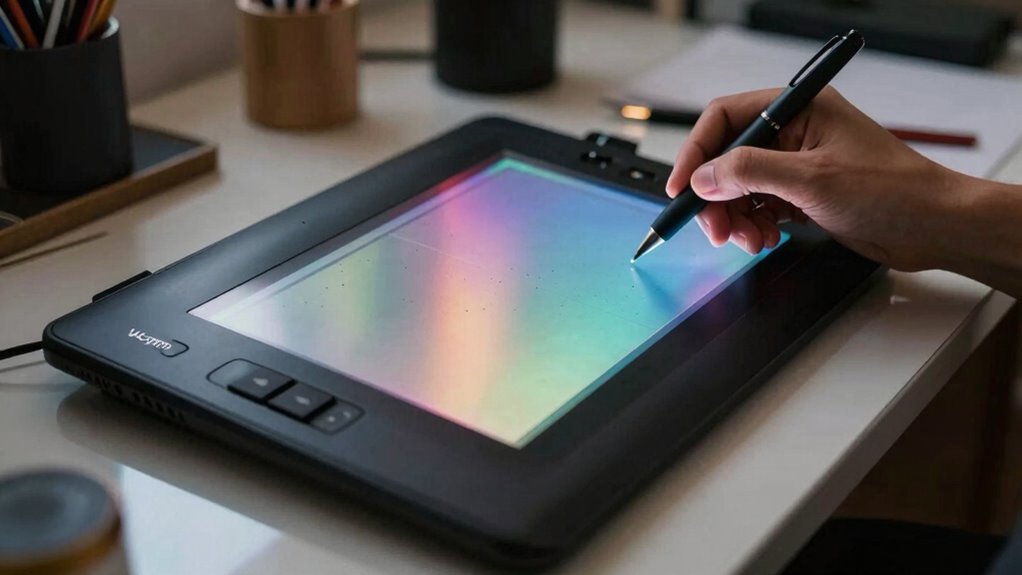
The Wacom Cintiq 16 offers a compact, integrated drawing setup with a slim profile and sturdy construction. The display provides a responsive drawing surface and accurate pen input, with 8192 levels of pressure and tilt support. Color reproduction is reliable with uniform brightness, though calibration may be required for precise targets. The design emphasizes function over distinctive character, and the ergonomic footprint suits longer sessions with careful hand positioning. More details await for a deeper evaluation.
Design and Build Quality
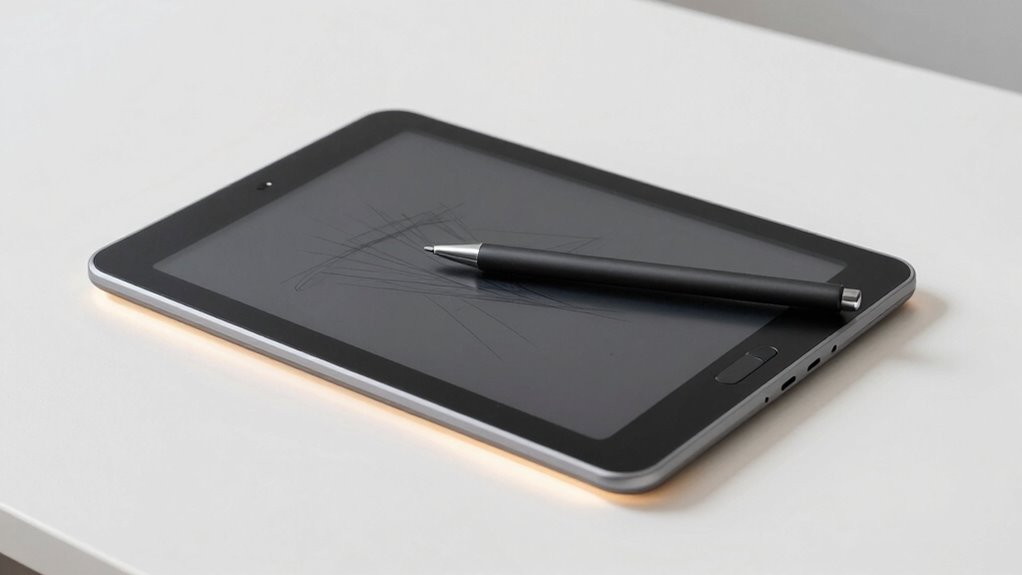
The Wacom Cintiq 16’s design emphasizes a compact, integrated drawing experience with a slim profile and a streamlined tablet-to-display form factor. The device presents a minimalist chassis with clean lines and restrained branding, prioritizing portability without sacrificing structural integrity. Construction appears sturdy, with a solid hinge mechanism and dependable plastic housing. However, unrelated aesthetics emerge in the emphasis on a uniform, almost generic silhouette that lacks distinctive character. Ergonomics show potential conflicts: a slim form can affect hand positioning for extended sessions, and edge geometry may encourage cursor drift. Overall, design favors function, while presenting notable cosmetic and ergonomic trade-offs.
Drawing Experience and Performance
Drawing on its integrated display, the Wacom Cintiq 16 delivers a responsive and natural drawing experience, with the Pro Pen 2 providing tilt recognition and minimal input lag. The tablet pairs 8192 levels of pen pressure with accurate tracking, ensuring steady strokes and consistent response across speeds. Tilt sensibility is notable, enabling subtle shading without excessoive adjustment. The pen’s precision supports fine line work and confident control during long sessions, while customizable shortcut switches reduce interruptions. Overall performance remains stable, with steady latency and predictable responsiveness. The combination supports efficient workflows, though users may notice modest parallax in certain angles.
Display Quality and Color Fidelity
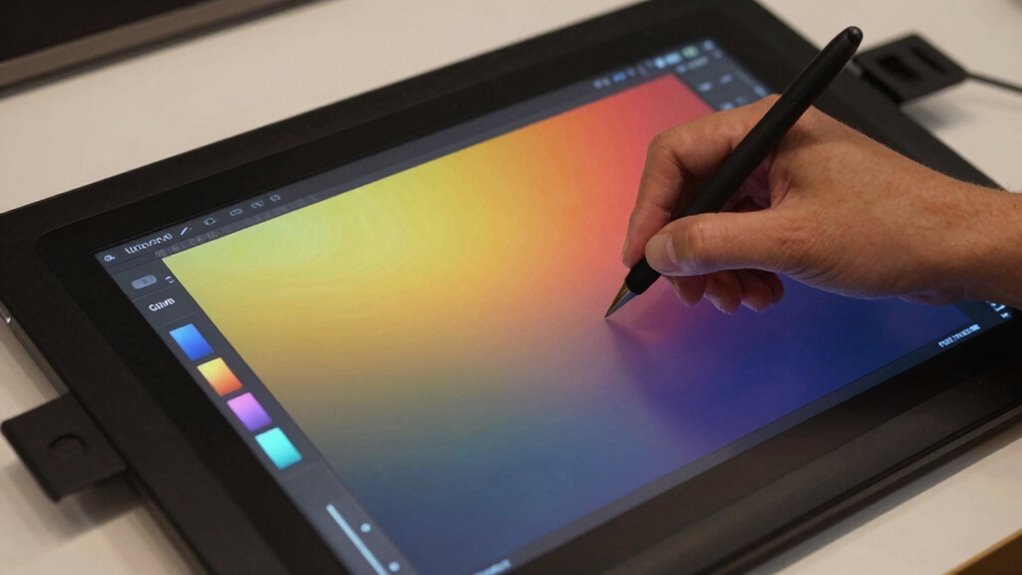
Display quality on the Wacom Cintiq 16 centers on a vibrant LCD panel with uniform brightness and solid HD resolution. The panel delivers true-to-life color with adequate saturation for drawing workflows, though it may require calibration to achieve optimal targets. Color reproduction remains consistent across typical viewing angles, supporting reliable color grading decisions during editing and illustration tasks. While not the most expansive gamut in its class, the display provides sufficient accuracy for professional work when paired with proper display calibration procedures. In practice, users can trust the panel for dependable previews, aiding precision in color grading during creative sessions.
Conclusion
The Wacom Cintiq 16 delivers solid value through a reliable pen display with responsive input and respectable color fidelity for its class. Its build quality is sturdy, and the Pro Pen 2’s tilt sensitivity enhances nuanced strokes. While not the most portability-forward, the 15.4-inch panel and concise feature set suit dedicated creators who value accuracy and workflow integration over cutting-edge specs. Overall, it remains a capable, cost-efficient option for illustrators and designers seeking dependable pen-enabled drawing.